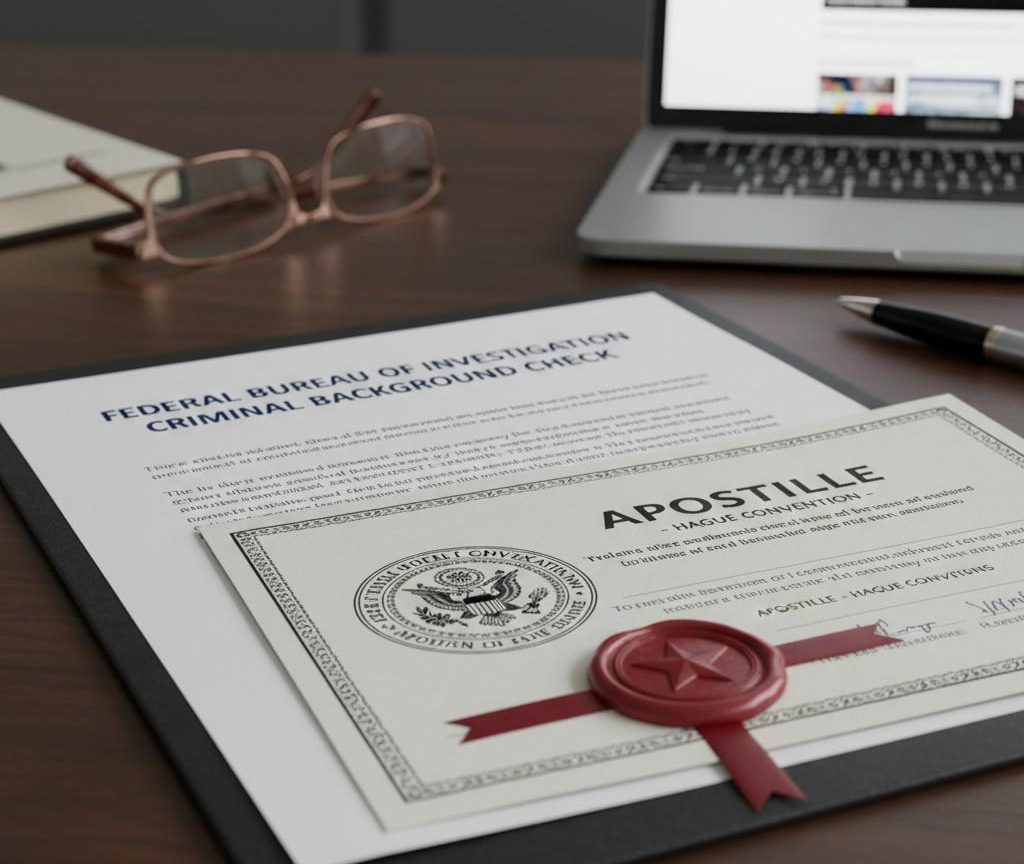

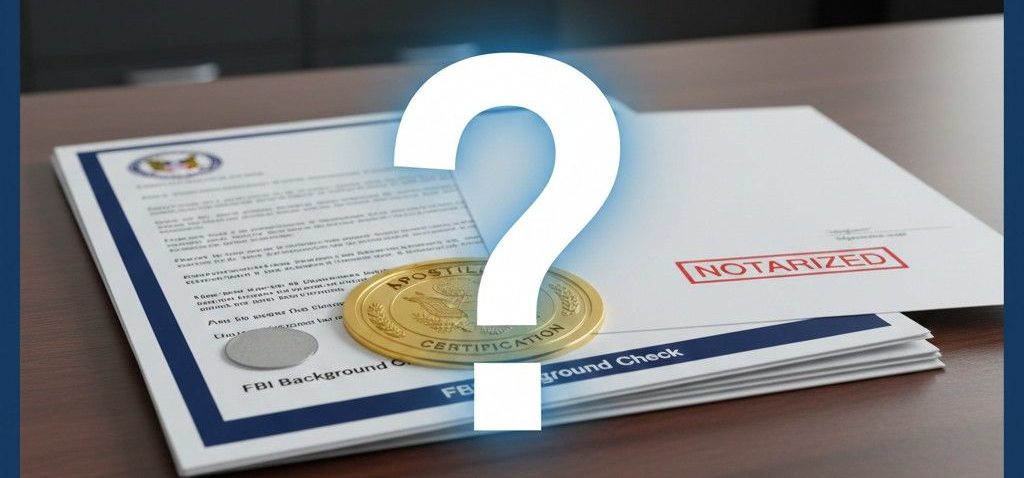
No. An FBI background check should not be notarized before it gets an apostille. The FBI result is a federal document, so the apostille comes from the U.S. Department of State, which checks the FBI official’s signature on the document itself. The State Department warns that a document “will no longer be valid if it is notarized.” A notary stamp turns a ready document into one that has to be ordered again.
This guide explains what the State Department does accept, how to order the right FBI result, and when a notary does have a role. If you would rather hand the whole job to someone else, see our FBI background check apostille service.
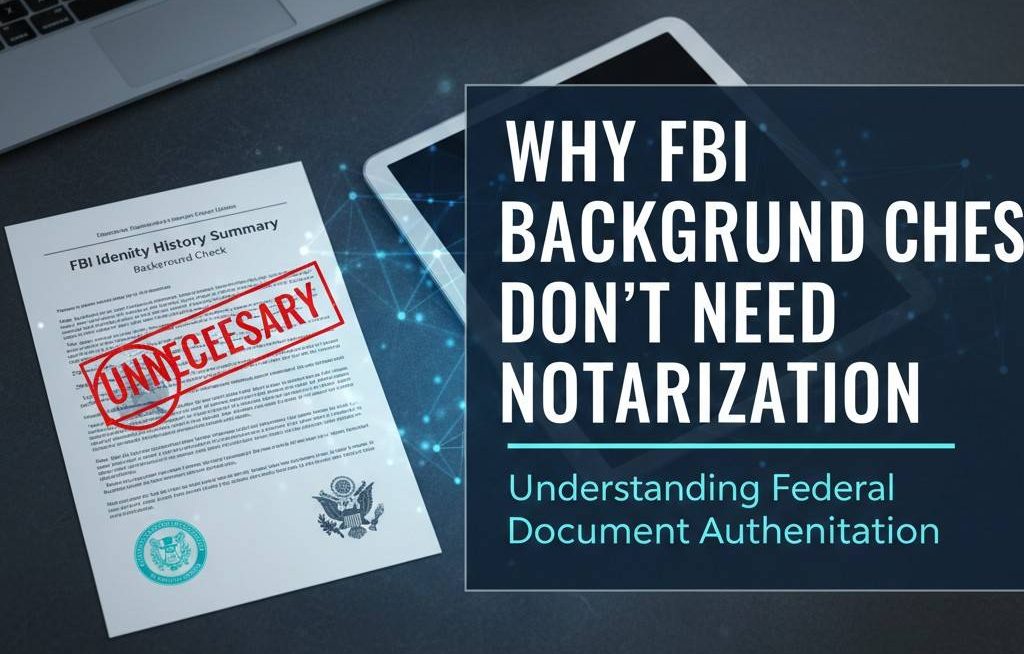
Why notarizing an FBI background check causes a rejection
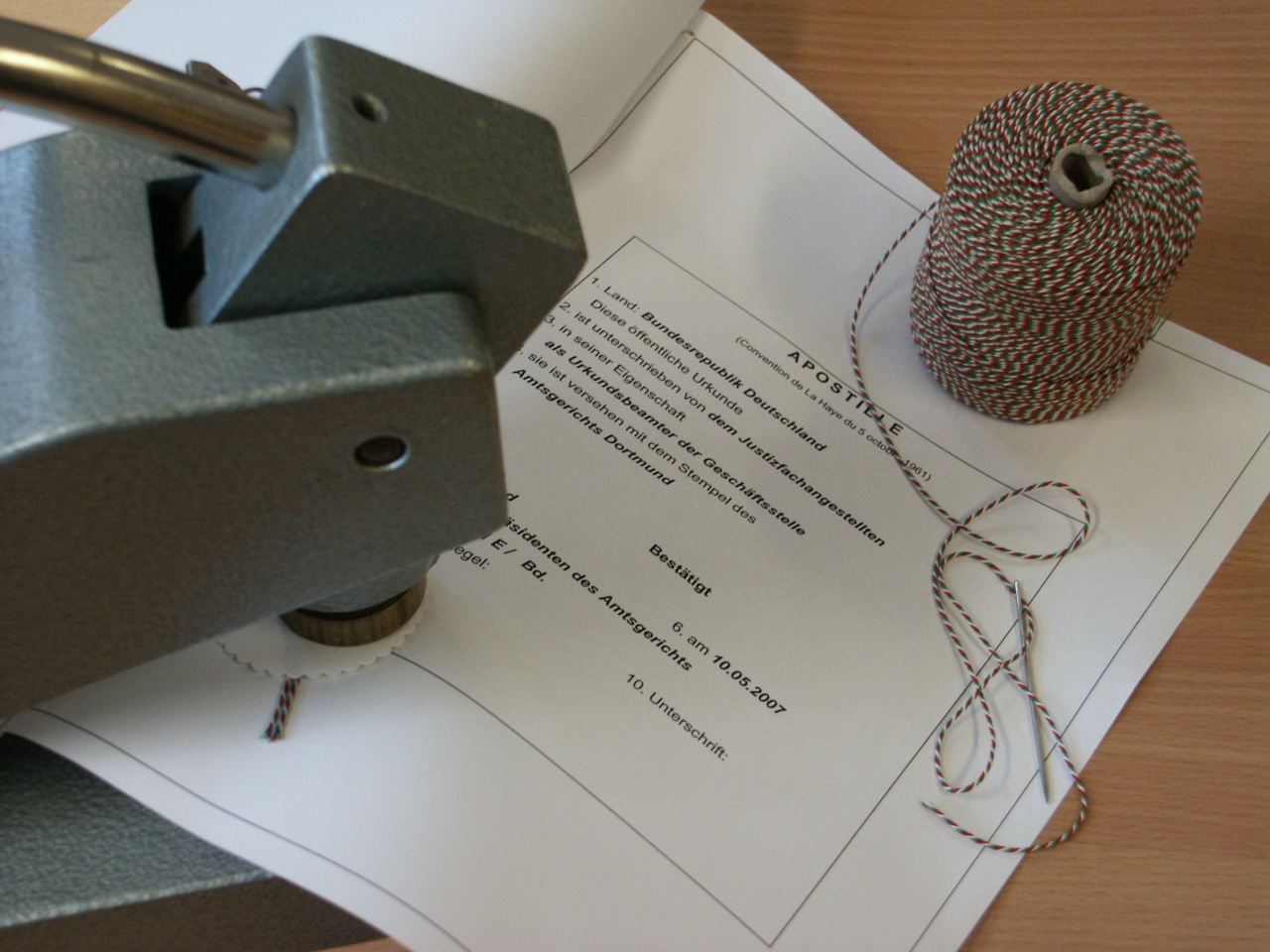
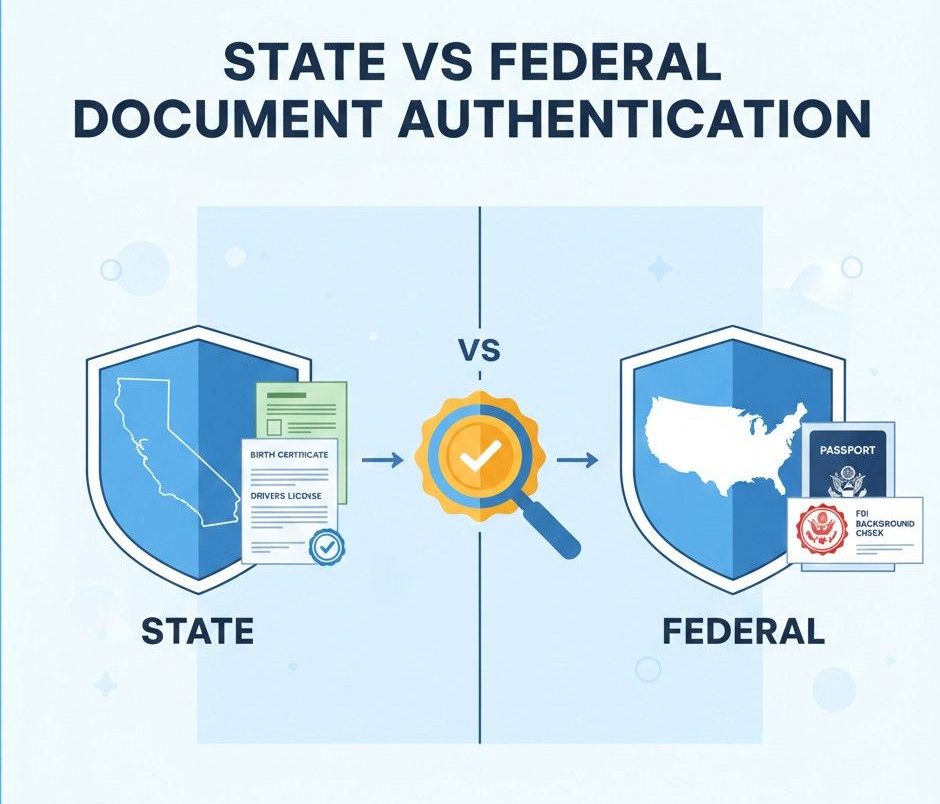
An apostille confirms that the signature on a public document is genuine. For an FBI Identity History Summary, that signature belongs to an official of the FBI’s Criminal Justice Information Services (CJIS) Division. The State Department’s Office of Authentications compares that signature with its records and attaches the apostille.
A notary’s stamp adds nothing the State Department needs, and it changes the document. The Department’s own rules say to submit an original with original signatures and not to notarize it. Some people get a notarized copy apostilled by their state’s Secretary of State instead. That apostille only covers the notary’s signature, not the FBI result, and many countries, immigration offices and employers reject it.
What the State Department needs to see
- The FBI result printed on FBI paper with the FBI watermark and the original signature of a CJIS Division official. The FBI no longer adds a raised seal; it authenticates results with the watermark and signature.
- No notary stamp, no staples removed or added, and no marks on the page.
- A completed Form DS-4194 and the State Department fee of $20 per document.
The FBI only signs results when you ask for it at the time you submit your request. It will not sign a result it has already sent you. If your result came as an unsigned PDF or printout, it cannot be apostilled, and you need to order a new one with authentication requested.
How to get an FBI background check apostilled, step by step
- Get fingerprinted. You need a fingerprint card (FD-258) or an electronic fingerprint submission. Our Vancouver, WA team can take your prints, and our partner PDX Fingerprinting offers fingerprinting in Portland.
- Request the FBI Identity History Summary and ask for authentication. The FBI fee is $18. The FBI does not expedite requests, but electronic submissions are processed faster than mail. If you use an FBI-approved channeler, such as our partner PAC Signing, confirm it can deliver a result signed by the FBI before you order.
- Check the result when it arrives. Look for the watermark and the official’s signature. Do not take it to a notary.
- Send it to the State Department. Mail it with Form DS-4194, the $20 fee and a prepaid return envelope, or use the walk-in drop-off in Washington, D.C.
- Legalize it at the embassy if needed. Countries that are not members of the Hague Apostille Convention need State Department authentication followed by embassy legalization, for example Qatar or Iraq.
How long it takes
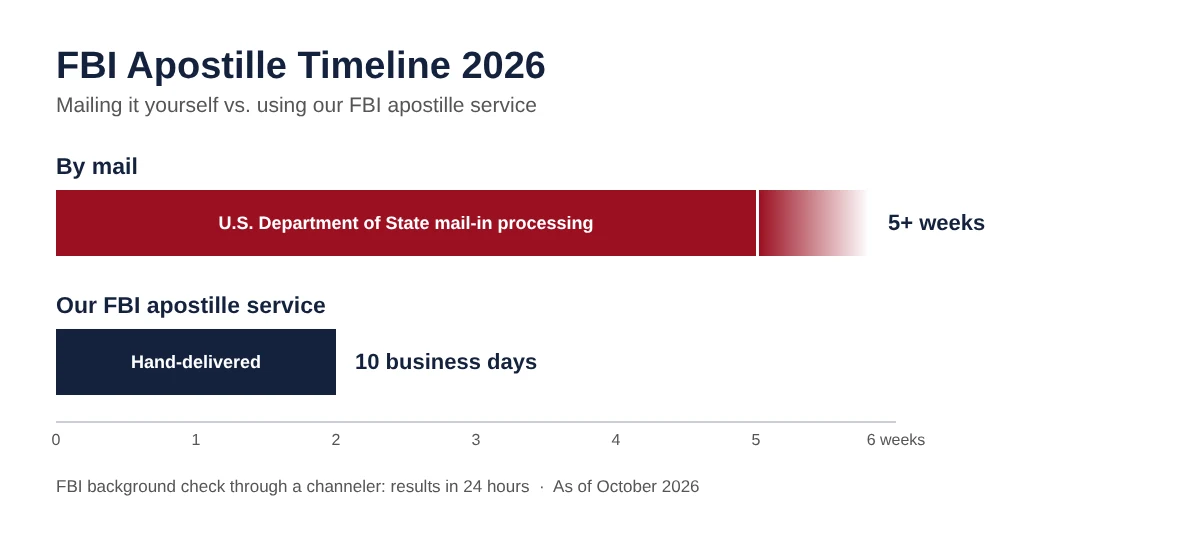
The State Department currently says it processes mailed requests within 5 weeks of receipt. Walk-in drop-off at its office in Washington, D.C. is for people travelling in 2 to 3 weeks and is processed within 7 business days. Emergency appointments are limited to travel within 2 weeks with a qualifying family situation abroad. Add the time to get the FBI result and shipping both ways.
For our own regular and expedited timelines, see FBI apostille processing time.
When a notary is part of the process
A notary still has a place in some FBI apostille requests, just never on the FBI result itself:
- Translations. If the destination country needs the FBI result translated, the translator’s certification is sometimes notarized. That notarization is on the translation, not the original.
- State or local police checks. A check from a state police agency, such as the Oregon State Police, is a state document. It is apostilled by that state’s Secretary of State, not the federal government, and the state’s own rules apply.
- Supporting documents. Powers of attorney or letters that travel with your FBI check may need a notary before their own apostille.
Common mistakes that cause rejections
- Notarizing the FBI result or attaching a notarized copy.
- Sending an unsigned printout or the emailed PDF.
- Forgetting to ask the FBI for authentication when submitting the request.
- Getting a state apostille when the destination country expects a federal one.
- Checking whether the destination is a Hague country too late. Check the list of Hague Convention countries first.
Cost
The government fees are $18 to the FBI and $20 per document to the State Department. Our FBI apostille service is $195 for regular processing or $390 for expedited, and we check your document before it is filed with the State Department.
Get help in Oregon and Washington
You can drop off your FBI result at our Lake Oswego office or Hillsboro office, or visit our Vancouver, WA office. We check every document before it is filed, so problems are caught before they cost you weeks. For Oregon-issued documents, see our Oregon apostille service.
Frequently asked questions
Should I notarize my FBI background check before the apostille?
No. The State Department says a document will no longer be valid if it is notarized. Submit the original signed FBI result as it came from the FBI.
Can I apostille the FBI background check I printed from my email?
No. The State Department needs the original signature of an FBI official. Order a new result and ask the FBI for authentication when you submit.
Who issues the apostille for an FBI background check?
The U.S. Department of State’s Office of Authentications. State Secretaries of State cannot apostille federal documents.
What if my country is not in the Hague Convention?
The State Department authenticates the FBI result, and then the destination country’s embassy in the United States legalizes it.